


In the fast-evolving landscape of digital transformation, the tools we use should amplify our focus, not fracture it.
When we set out to build our platform editor, we did so with a singular, guiding principle: your business comes first.
Too often, creators and business professionals are forced to wrestle with cluttered interfaces, opaque technical barriers, and fragmented workflows. Our platform redefines this experience. By stripping away the noise, we have engineered an intuitive, professional ecosystem where sophisticated functionality meets minimalist design.
Here is an inside look at the architecture of the editor, how it works, and the design philosophy that shapes it.
The Minimalist Blueprint: Left Sidebar
The journey begins on the left side of the canvas. To build a powerful application (or rApp), you need a clear overview of its anatomy without feeling overwhelmed.
Our left sidebar serves as the structured foundation of your project. It houses:
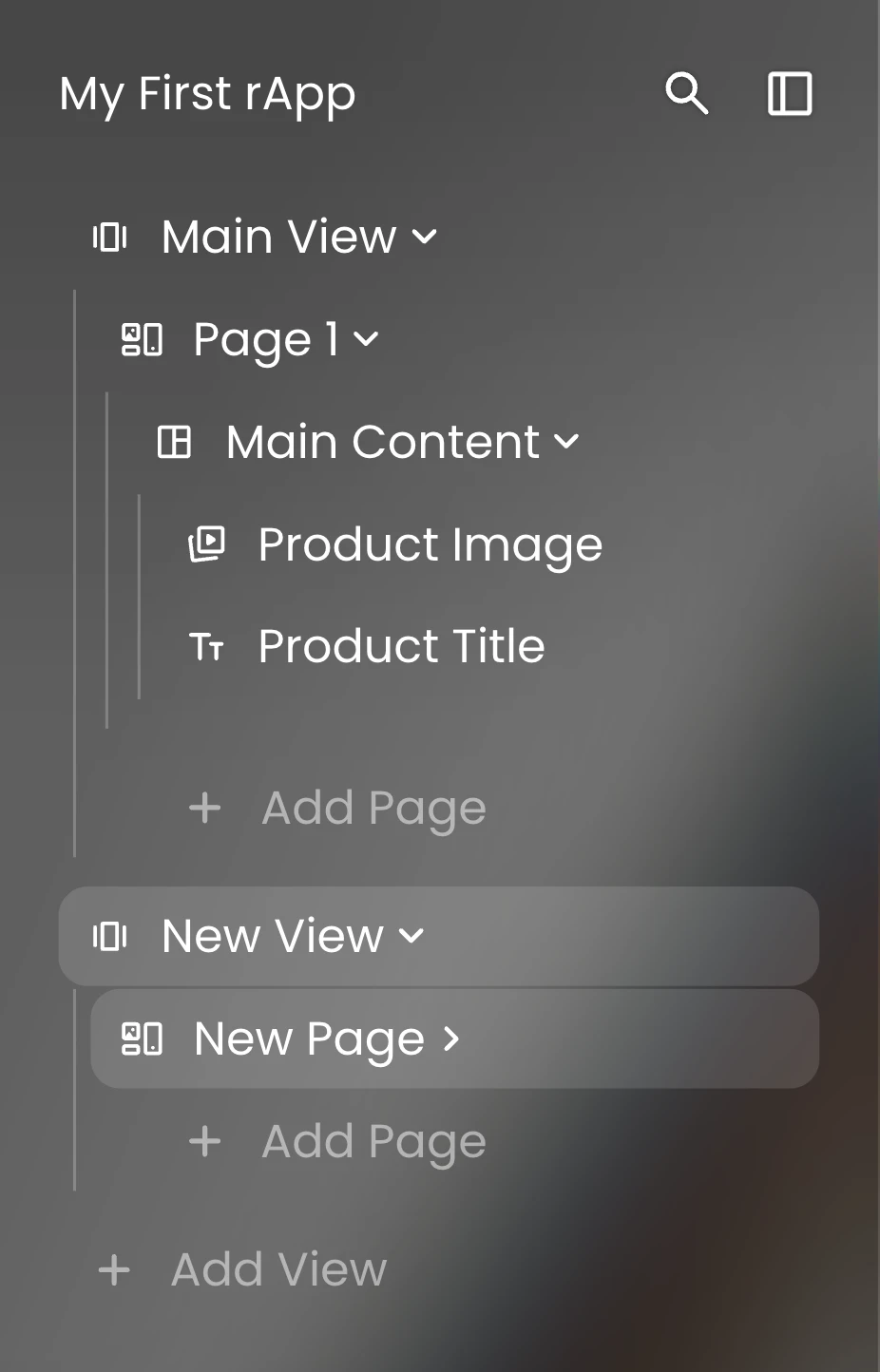
Views & Pages
Easily navigate the structural layout and user journey of your rApp.
Layer Management
A comprehensive hierarchy of every element on your canvas, complete with an integrated search function to locate specific layers instantly.
Efficiency in Motion: The Command Ribbon

Positioned prominently at the top of the editor is the ribbon, a curated command center designed to put immense power at your fingertips while keeping the interface clean and scannable.
Navigational Freedom
At the leftmost edge, a quick sidebar toggle allows you to collapse your layer hierarchy entirely, giving you a completely distraction-free canvas. Next to it, the home button provides a seamless bridge back to your central dashboard. Because iteration requires experimentation, dedicated undo and redo buttons ensure you can design, test, and pivot without the fear of making irreversible mistakes.
Enterprise-Grade Utilities
The Palette Icon
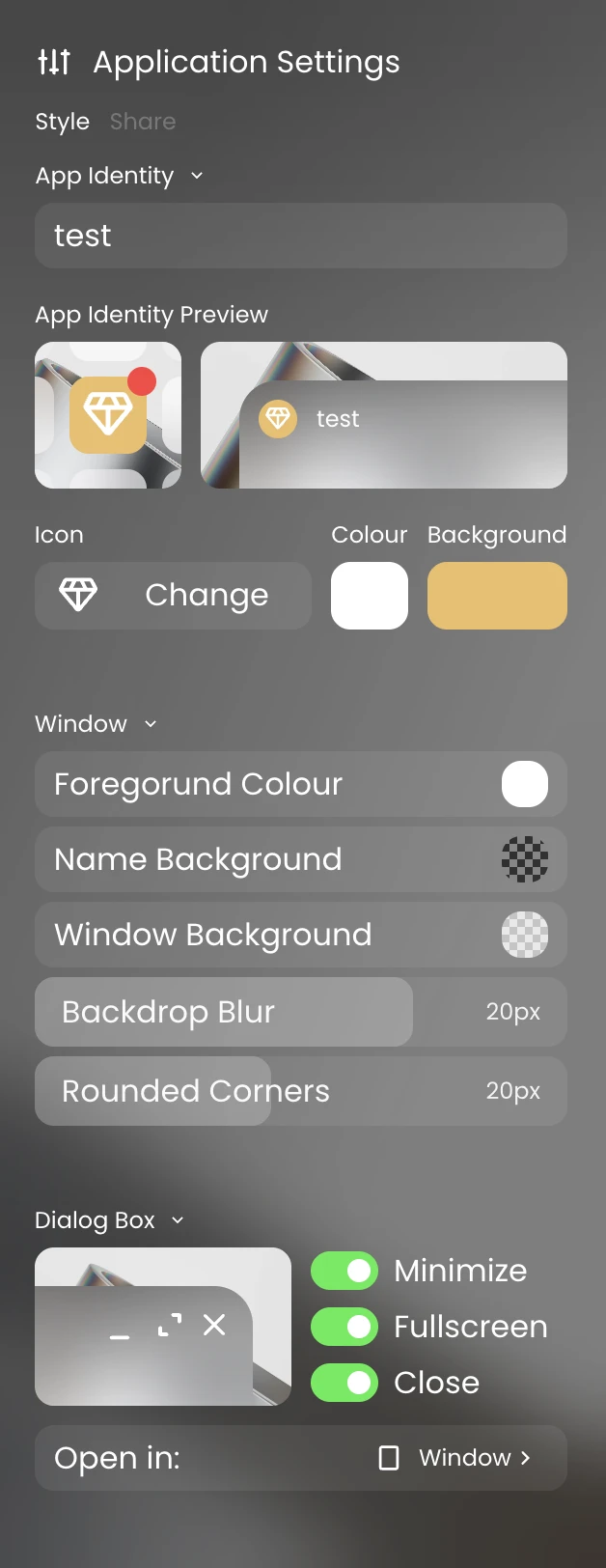
This grants immediate access to our proprietary sync engine, Palette. It allows you to synchronize and enforce design styles seamlessly across different rApps and entire documents, maintaining absolute brand consistency effortlessly.
The Database Icon
Data is the lifeblood of any modern workflow. Our data engine removes the traditional technical hurdles of backend development. Without needing any specialized technical knowledge, you can spin up custom databases instantly. The platform handles the underlying infrastructure, leaving you free to construct the precise workflow your business demands.
Accelerated Creation
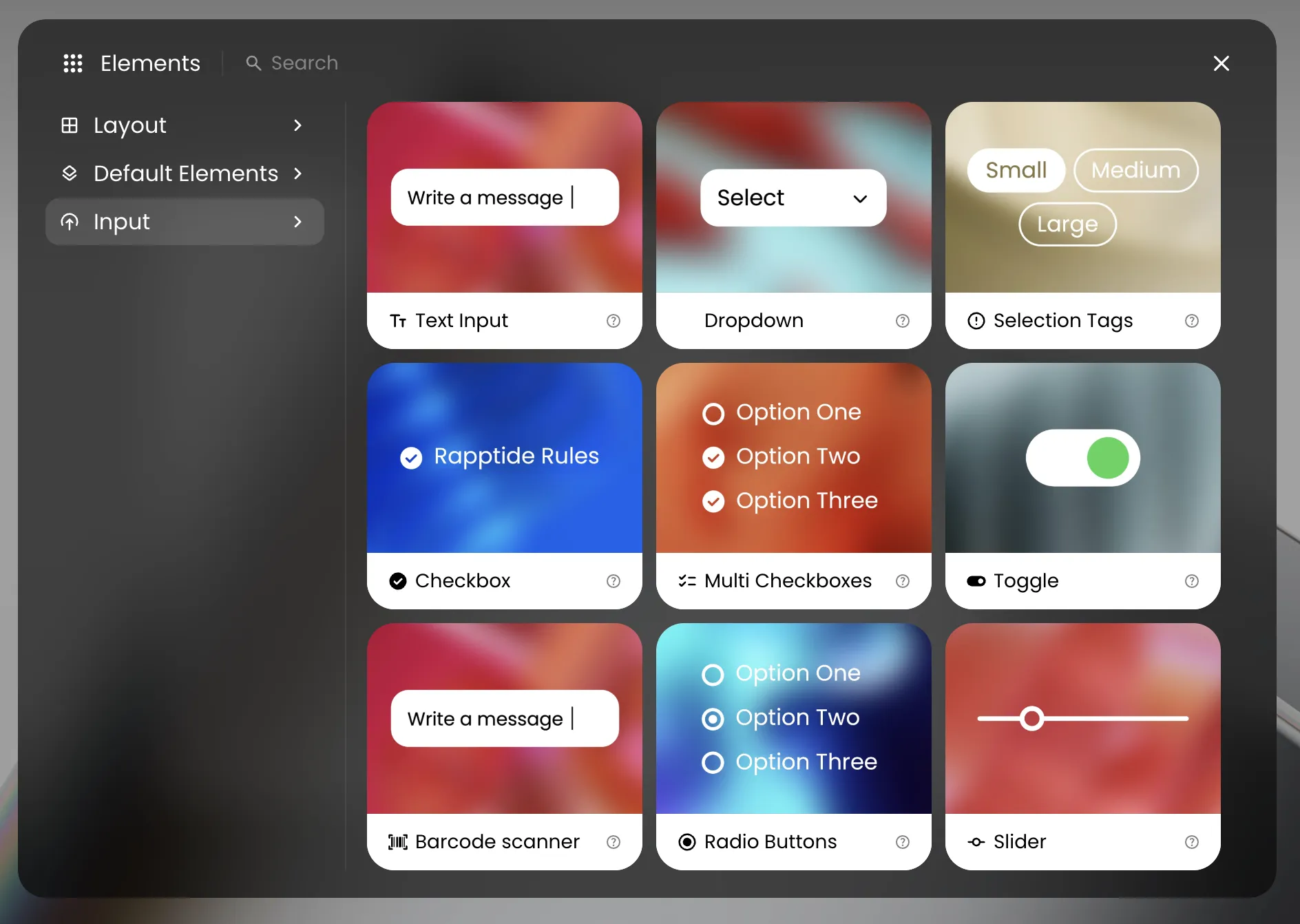
The center of the ribbon features quick-add layer buttons for the core building blocks of your application: containers, text, media, and buttons. For more advanced components, the plus (+) icon opens a comprehensive library of every available layer needed to scale your workflow.
Contextual Power: The Right Sidebar
The right side of the editor is dedicated to utility, alignment, and assistance. It is anchored by three essential pillars: the rAI expert, the user avatar, and the right sidebar toggle.
The right sidebar itself is entirely dynamic. Rather than crowding your screen with permanent menus, it intelligently adapts to your current actions. Select a component, and the sidebar instantly surfaces exactly what you need, whether that means fine-tuning layer styling, modifying layout settings, mapping custom user flows, or connecting frontend elements to your backend data.
An application isn't just a static layout; it’s an interactive journey. When you begin defining actions—such as what happens when a user clicks a specific button—the sidebar transitions into a behavioral commander. Without leaving the canvas, you can map out custom user flows, define conditional logic, trigger modals, navigate between pages, or initiate automated processes.
The Centerpiece: A Visual, AI-Driven Canvas
At the heart of the platform is the canvas itself, a living preview of the rApp you are building. Every layer is fully interactive; you can select any element to manipulate its styling, adjust the layout, reorder components, and craft a bespoke user experience.
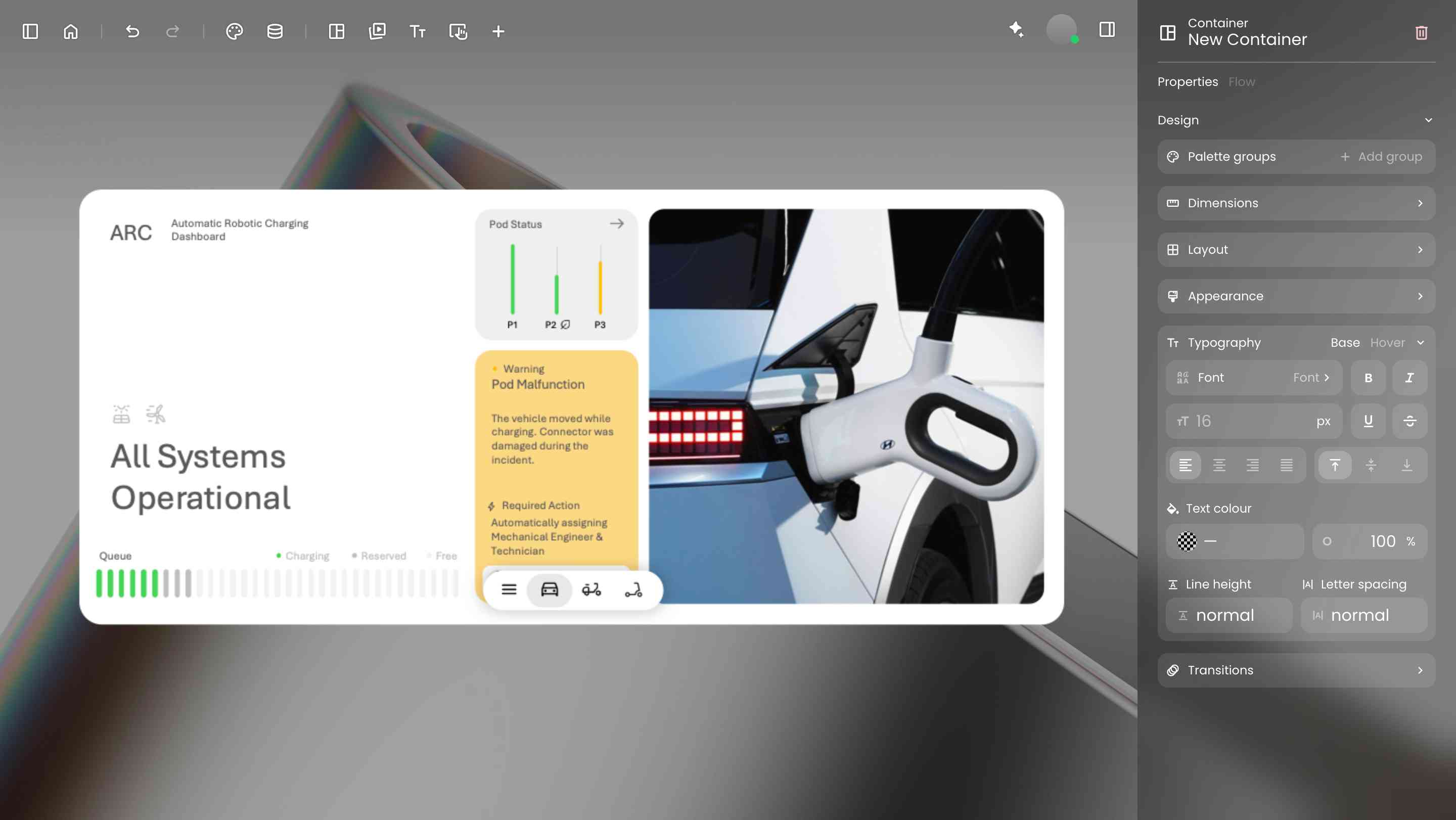
To truly bridge the gap between imagination and execution, rAI, our integrated AI expert, is deeply embedded directly into this central canvas.
More than just a passive chatbot, rAI is a collaborative partner capable of handling heavy lifting, technical troubleshooting, and even a bit of emotional support during intense build sessions. By simply selecting a layer and typing a command, or hitting the microphone icon to speak naturally, you can direct rAI to style layers, link components to data streams, or generate entirely new workflows from scratch.
Empowering Your Workflow
By blending a minimalist aesthetic with deep, AI-assisted functionality, our platform removes the friction between an idea and a finished product. We have built the sandbox, automated the technical complexities, and streamlined the interface. The canvas is yours. What will you build?